
A note on names
Warzone moved to Modern Warfare 4 with Season 1 on 6 November 2026, and Call of Duty renames its settings from one game to the next. The names below are the ones Activision uses for Modern Warfare 4. If your menu differs, look for the same idea under a similar name.
First, which kind of stutter is it?
- In the first matches after an update or a new driver: shaders. Step 1.
- When you drop in, or move fast into a new area: streamed textures or full video memory. Steps 2 and 3.
- At any time, with no pattern in the game: something outside it. Step 4.
- Players skipping around while your frames stay steady: the connection. Ping spikes and bufferbloat covers that.
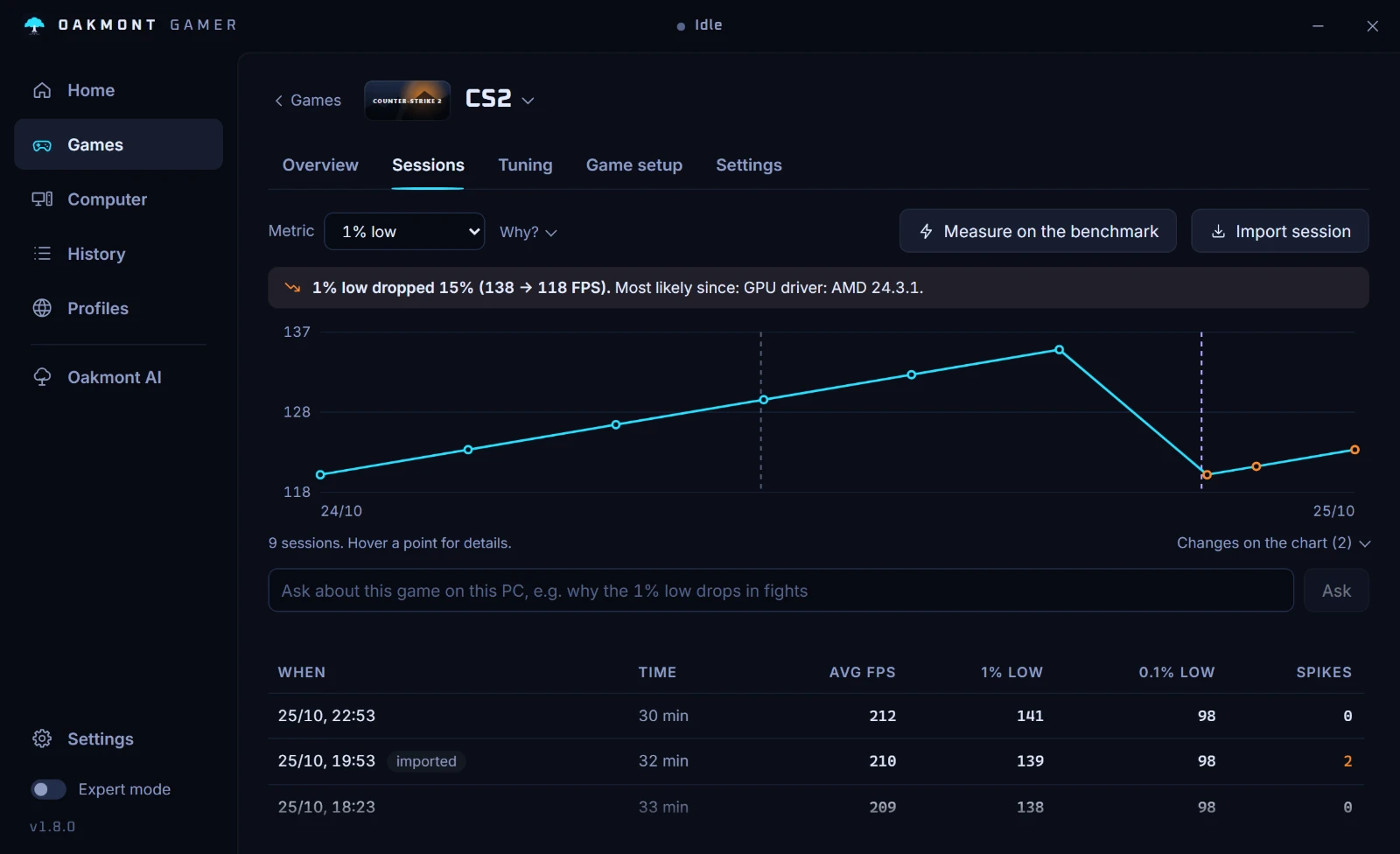
Record a few matches with OakmontGamer before you change anything. The session's Timeline shows where the stutters fall, and that is worth more than any list of settings.
Step 1: let shader preloading finish
On first launch and after updates the game compiles its shaders: Shader Preloading. Activision's PC troubleshooting page is direct about it: leaving the main menu stops the process and can lead to performance issues. Wait in the menu until it is done.
Modern Warfare 4 can also preload shaders outside the game, and with Advanced Shader Delivery precompiled shaders come with the install. Activision says that needs the Xbox PC app installed, on any PC store.
If preloading seems to start over at every launch, repair the install before anything else: Scan and Repair in Battle.net, or verify the files in Steam.
Step 2: decide on streamed textures
The game downloads higher quality textures while you play. The setting is On-Demand High-Quality Streaming, in the menu under Manage Files, Graphics, with Optimized and Minimal. It used to be called On-Demand Texture Streaming.
On a slow or busy connection, or a PC short of memory, streaming can show up as hitches when you drop into a new area. Try Minimal for a few matches and compare.
Streaming also uses your connection while you play. If someone else on the network is downloading at the same time, the game and the download share the line, and the textures arrive late.
Step 3: keep video memory in budget
When your settings ask for more video memory than the card has, textures move to system RAM and every fetch from there is a hitch. Lower texture resolution first, then close what else holds video memory: a browser, a video on the second screen, a launcher with hardware acceleration.
Step 4: close the programs Activision names
Activision's page lists programs to disable while playing: NZXT CAM, MSI Afterburner and Razer Cortex. Overlay and monitoring tools hook into the game or poll the hardware, and both cost frame time.
It also asks you to repair the install: Scan and Repair in Battle.net, or verify the files in Steam, and to try a clean boot of Windows if the stutter stays.
Step 5: measure with the benchmark
Modern Warfare 4 has a built-in Benchmark Tool. A live match is too different from one run to the next to judge a change by. Run the benchmark with OakmontGamer recording, change one thing, run it again, and compare the 1% lows. How to measure them properly.
Upscaling sits under Resolution Scaling Technique, with DLSS, FSR and XeSS. On a GeForce RTX card, turn on NVIDIA Reflex.
Run each setup at least three times and alternate: with the change, without it, with it again. A GPU that warms up or a download that starts halfway through can decide a single run, and alternating keeps that out of the result.
What OakmontGamer does for Warzone
The app finds the game by cod.exe and records it like any other. It has no in-game preset for Call of Duty, so it does not touch the game's settings files.
- Counts the stutters after warm-up and loading, so shader preloading and drops into the map do not count against your PC.
- Names Video memory full when the card was over 95% full during the stutters, and freezes browsers holding video memory until it falls back under 85%, if you turn on the VRAM guard.
- Names a background program busy in the seconds of a stutter, and freezes it or puts it in Eco while the game runs. Known offenders such as NZXT CAM go into Eco on their own.
- Tells network lag apart from stutter: steady frames while ping jumps.


Everything the app changes for a session is undone when the game closes.
How the stutter diagnosis works