
Step 1: get the July 2026 fixes
Two fixes landed at the end of July 2026. GGG's patch 0.5.4e significantly improved shader loading times and reduced the size of shaders. NVIDIA's Game Ready Driver 610.88 lists a fix for Path of Exile 2: intermittent long pauses that could occur after extended gameplay sessions in DX12 mode.
If you play on a GeForce card in DirectX 12 and the game stops for a moment after an hour or two, check the driver version first: 610.88 or newer has the fix. GGG ships some patches restartless, and its notes say you still need to restart the client to get them.
Step 2: let the shaders rebuild once
GGG wrote that the 0.5.4e change makes every shader recompile, so load times are slower the first time you play after that patch. The same happens after a graphics driver update: compiled shaders belong to the driver version, so the first session builds them again. Shader compilation stutter explains why.
Do not clear the shader cache to fix this. A cleared cache has to be built again, with the same slow loads and hitches. Play one session, then judge the game.
On Steam, GGG also turned off the Fossilize Vulkan layer for the game, because it could make the Steam shader cache grow to an immense size.
Step 3: Locked VSync or none, never Adaptive
With 0.5.4e GGG made Locked the default VSync setting, and said the Adaptive method has frame pacing problems and is no longer recommended. Uneven frame pacing feels like stutter even when the FPS counter looks fine.
That leaves two good choices. Locked, if you never want tearing. Or VSync off, for the lowest input lag, which works best on a G-Sync or FreeSync monitor with a frame cap a little under its refresh rate. G-Sync and FreeSync settings covers the cap.
Step 4: compare DX12 and Vulkan on your PC
Path of Exile 2 lets you pick its renderer, and GGG's patch notes fix bugs in both its DirectX 12 and its Vulkan renderer. Which one runs smoother depends on the card and the driver, so there is no answer that holds for every PC. Many games no longer give you the choice at all: Rainbow Six Siege is DirectX 12 only now.
Test it the slow way. Play the same map for ten minutes on one renderer, then on the other, then on the first again, with OakmontGamer recording. Leave the first minutes of each session out of the comparison, because loading and shaders weigh most there, and keep the renderer with the higher 1% low.
If DirectX 12 crashes for you, GGG added a launch option, --ex-crash-report, that sends them extra debug information from DirectX 12 crashes. Turn it on only while you have the problem.
Big fights are a different problem
FPS that drops when the screen fills with monsters and effects is not stutter in the usual sense: the CPU or the GPU is at its limit. Lower the settings that draw effects first, and check which part is the limit, because a lower resolution does nothing when the CPU is the one holding the game back. 1% low FPS shows how to read it.
A hitch on a steady rhythm, in a quiet town as much as in a map, is something else again: a driver or a background program. FPS drops every few seconds covers that pattern.
What OakmontGamer does for Path of Exile 2
Path of Exile 2 has its own in-game preset in the app, under the game's Game setup tab, In-game settings. It writes into poe2_production_Config.ini in Documents, My Games, Path of Exile 2, and keeps a backup.
- Sets VSync off, for the lowest input lag. If you would rather have no tearing, untick it and keep Locked in the game.
- On a GeForce card, sets the game's NVIDIA Reflex mode to low latency. Reflex and Anti-Lag explains what that does.
- Counts stutters in the first two minutes and in the 30 seconds after a load screen apart, as warm-up, so shader loading after a patch is not blamed on your PC.
- Diagnosis names the cause of the stutters that remain: a driver holding the CPU, a background program, memory, video memory, or CPU at its limit.
- Its renderer test covers Unreal, Unity and Source 2 games, so it does not switch the renderer of Path of Exile 2. Compare DX12 and Vulkan by hand, as above.


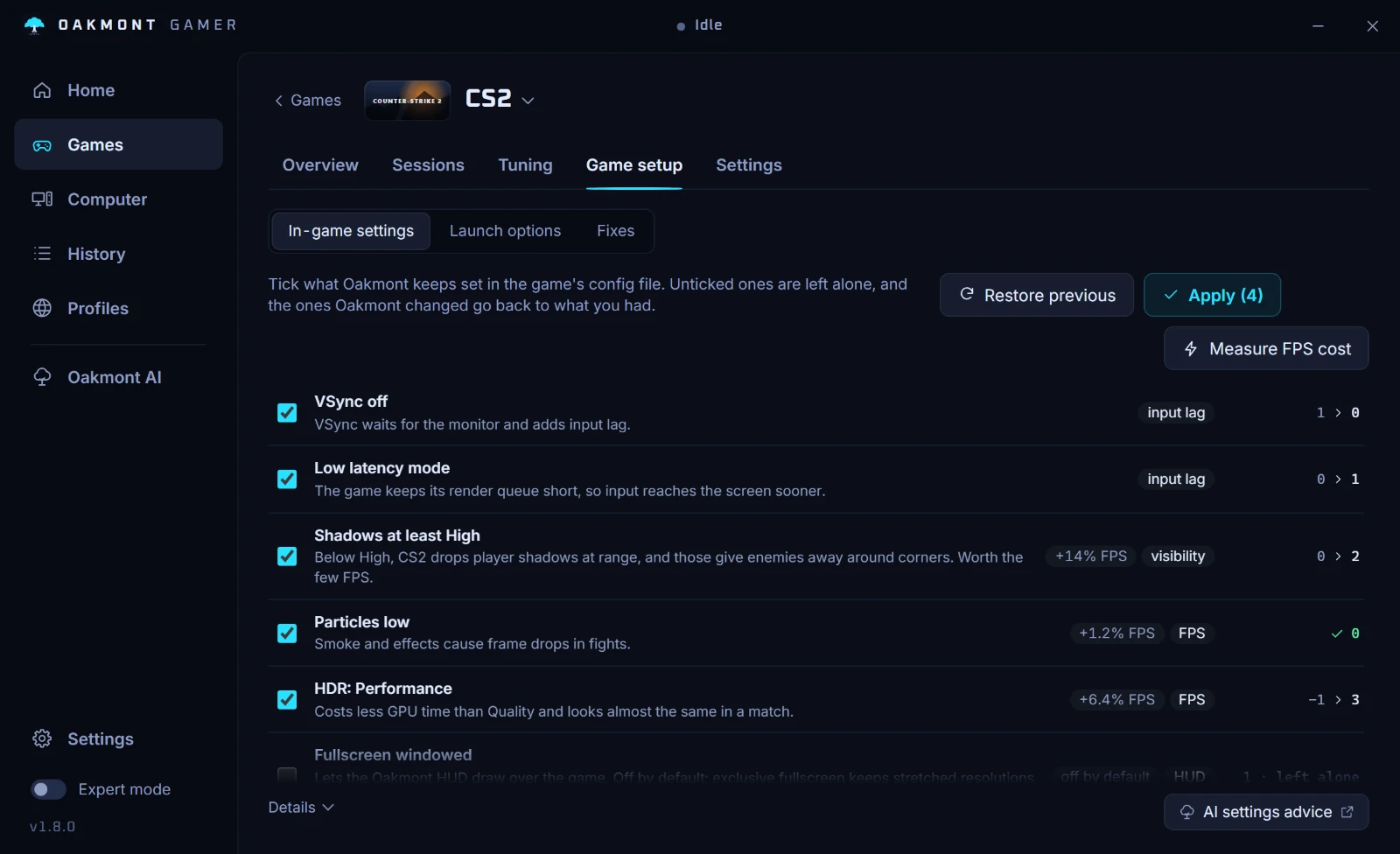
Close the game before you apply the preset, because it rewrites its config when it exits. Which games have a preset.
What the app does per gameQuestions people ask
- Why does Path of Exile 2 freeze for a second after I play for a while?
- On GeForce cards in DirectX 12 that was a driver bug. NVIDIA's 610.88 driver fixed intermittent long pauses after extended Path of Exile 2 sessions in DX12 mode, so update to it or newer.
- Why are loading screens slow after a Path of Exile 2 patch?
- The shaders are being rebuilt. GGG said patch 0.5.4e makes all shaders recompile, so the first session after it loads slower, and after that the cache is warm.
- Which VSync setting is best in Path of Exile 2?
- Locked or Off. GGG made Locked the default and says Adaptive has frame pacing problems and is no longer recommended.
- Is Vulkan or DX12 better for Path of Exile 2?
- It depends on your card and driver. Record the same map on each renderer, three sessions in turns, and keep the one with the higher 1% low.
- Should I clear the shader cache for Path of Exile 2?
- Not for stutter. A cleared cache has to be rebuilt, which brings back slow loads and hitches. Clear it only when it is damaged.
Sources
The technical claims on this page were checked against these official pages.