
Why Marvel Rivals stutters
Marvel Rivals runs on Unreal Engine 5, with Lumen lighting and Chaos destruction, as NetEase's launch post puts it. Like most DirectX 12 games, it builds its shaders for your exact graphics card and driver, and it needs a lot of memory while it plays. That gives three kinds of stutter, each with its own fix:
- Right after a game update or a driver change. The shaders are being rebuilt. NetEase says that entering a match before the preload completes can cause stuttering, network lag, rendering errors or crashes.
- Hitches that get worse during a session or in big team fights. That points at RAM. NetEase wrote that on PCs with 16 GB or less, high memory use can force the system into swap memory.
- Low FPS without hitches in busy fights. The CPU or the GPU is at its limit, and the settings and CPU options below are for that.
Step 1: let the shaders preload
Since Season 3.5 (August 2025) there is no shader compilation screen on first launch. The game preloads its essential shaders in the background after it is installed or updated, and NetEase says the speed depends on your GPU. A later patch made the preload faster on multi-threaded CPUs and made it start again by itself when the local shader cache becomes invalid.
- After a game update or a new graphics driver, start the game and wait in the menu before you queue. On a slower GPU, wait longer.
- Play one or two matches. Stutter that fades over those was the preload, and it is done.
- Do not clear the shader cache to fix stutter. It only sends the game back to the start of the preload. Shader compilation stutter explains why.
A new graphics driver counts as new for every game, because compiled shaders belong to the driver version. Update it the day before a match that matters.
Step 2: give it enough memory
NetEase lists 16 GB of RAM in both the minimum and the recommended requirements on Steam. That is the total, and Windows, the launcher, the browser and Discord share it with the game. When it runs out, Windows moves memory to the page file on disk and reads it back when the game asks for it, and each of those reads is a hitch.
- Close the browser, other launchers and anything that records video before you play.
- Keep one page file on an SSD and let Windows manage its size, rather than a small fixed one.
- Check that the RAM runs at its rated speed, with XMP or EXPO on in the BIOS. XMP and EXPO for gaming shows how.
- Install the game on an SSD. NetEase's own requirements recommend one.
Step 3: lower the settings that cost the most
Turn down what costs GPU time and gives nothing back in a fight. These are the values the OakmontGamer preset for Marvel Rivals uses, with its reason for each:
| Setting | Value | Why |
|---|---|---|
| VSync | Off | VSync waits for the monitor and adds input lag. |
| FPS cap | Just under the refresh rate, 138 at 144 Hz | Keeps frame times even and variable refresh on. The game's FPS cap takes custom values since August 2025. |
| NVIDIA Reflex | On, on GeForce cards | The game keeps its render queue short, so input reaches the screen sooner. |
| Shadows | Low | Shadows cost a lot of GPU time and matter little for aiming. |
| Effects | Low | Smoke and effects cause frame drops in fights. |
| Post processing | Low | Blur and bloom cost FPS and hide detail. |
Texture quality and view distance stay where they are unless you still miss your target frame rate. For the cap, G-Sync and FreeSync settings explains why a few frames under the refresh rate; for Reflex against the Radeon options, see Reflex vs Anti-Lag.
The game's own performance test tool is worth a run too. Since Season 3.5 it suggests graphics settings from its results, and since Season 5 the game shows how busy the CPU's RHI render thread is, which helps you see a CPU limit.
When the CPU is the limit
When the frame rate falls in big team fights and lower graphics change little, the CPU is setting the pace. NetEase's November 2026 patch (Season 11) added an experimental Client CPU Performance Optimization: a client built with a new Intel compiler and profile-guided optimization, aimed at steadier frame rates in busy fights. You turn it on in the PC launcher, which then downloads the optimized client.
It is marked experimental, so measure it: a few matches with it and a few without, compared on their 1% lows.
Beyond that: fewer programs in the background, and no driver holding the CPU. Drops at a steady rhythm rather than in fights are a different problem: FPS drops every few seconds. Rubber-banding with a flat frame time is the connection: ping spikes and bufferbloat.
What OakmontGamer does for Marvel Rivals
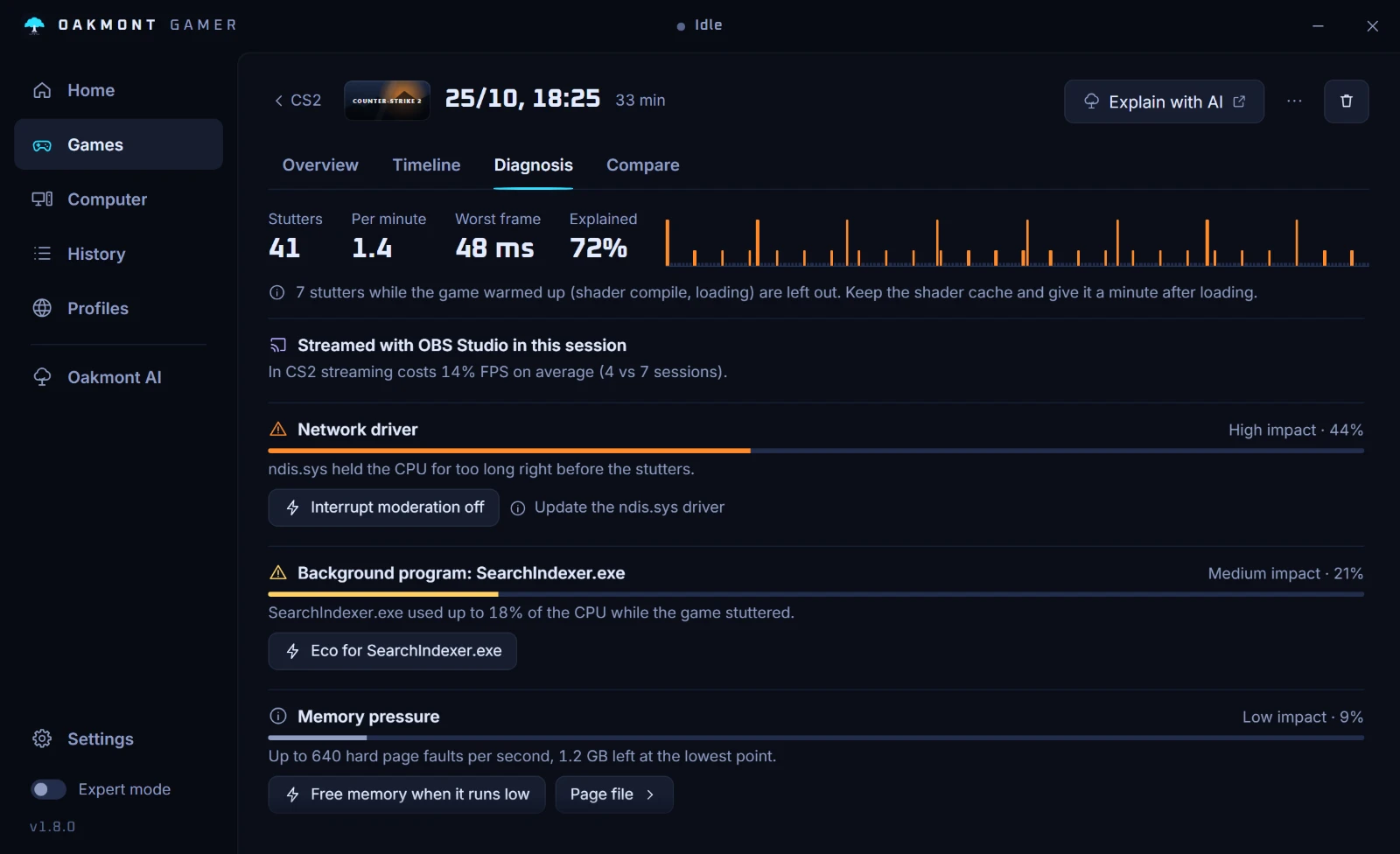
Marvel Rivals has its own in-game preset in the app, and every session gets the same frame-by-frame recording and stutter diagnosis as any other game.
- In-game settings (Games, Marvel Rivals, Game setup) writes the values from the table into
GameUserSettings.ini: VSync off, an FPS cap sized to your monitor, Reflex on GeForce cards, and shadows, effects and post processing low. The old file is backed up and can be put back. - Textures and view distance start unticked. Set a Target FPS for the game, and after each session that stayed under it the app lowers one more FPS-heavy setting, one per session.
- Fullscreen windowed is offered but unticked. It lets the Oakmont HUD draw over the game, while exclusive fullscreen keeps the lowest latency.
- Stutters in the first two minutes and in the 30 seconds after a load screen are counted apart as warm-up, so the shader preload is not blamed on something else.
- The Fixes tab refuses the Unreal Engine file tests for this game: it is played online, and swapped game files have got players banned before. Only the renderer test can run, on a Steam install whose build carries more than one renderer.


The same In-game settings page has presets for Escape from Tarkov, Minecraft and Rust. Nothing is injected into the game, and what the app changes in Windows for a session is undone when the game closes.
What the app does per gameQuestions people ask
- Why does Marvel Rivals stutter after every update?
- The game rebuilds its shaders in the background after an update or a graphics driver change. NetEase says that entering a match before that preload finishes can cause stuttering. Wait in the menu, and the stutter fades within a match or two.
- Is 16 GB of RAM enough for Marvel Rivals?
- It is what NetEase lists for both minimum and recommended, and it works when the game gets most of it. Close the browser and other launchers, and keep the page file on an SSD.
- What FPS cap should I use in Marvel Rivals?
- With G-Sync or FreeSync, a few frames under the refresh rate: 138 at 144 Hz, 225 at 240 Hz. The in-game FPS cap accepts custom values since August 2025.
- Should I clear the shader cache to fix Marvel Rivals stutter?
- No. A cleared cache only starts the preload again. The game already restarts the preload by itself when its local shader cache becomes invalid.
- Does the CPU optimization in the Marvel Rivals launcher help?
- It is an experimental client aimed at steadier frame rates in busy fights. Turn it on in the PC launcher and compare a few matches with it and without it.
Sources
The technical claims on this page were checked against these official pages.
- Marvel Rivals officially releases (NetEase, Steam news)
- Experimental feature: Switch Shader Compilation Mode (NetEase, Steam news)
- Marvel Rivals version 20250808 patch notes (Season 3.5)
- Marvel Rivals version 20250821 patch notes
- Marvel Rivals version 20251114 patch notes (Season 5)
- Marvel Rivals version 20261113 patch notes (Season 11)
- Marvel Rivals on Steam: system requirements